
Prepare the vehicle record
Keep the type approval, type/variant/version, VIN and vehicle values together. Reuse the relevant template instead of rebuilding each certificate.
Create and manage electronic Certificates of Conformity from your vehicle and type approval data. eCoC EU brings reusable templates, IVI XML validation, electronic signing and submission tracking into one manufacturer workflow.
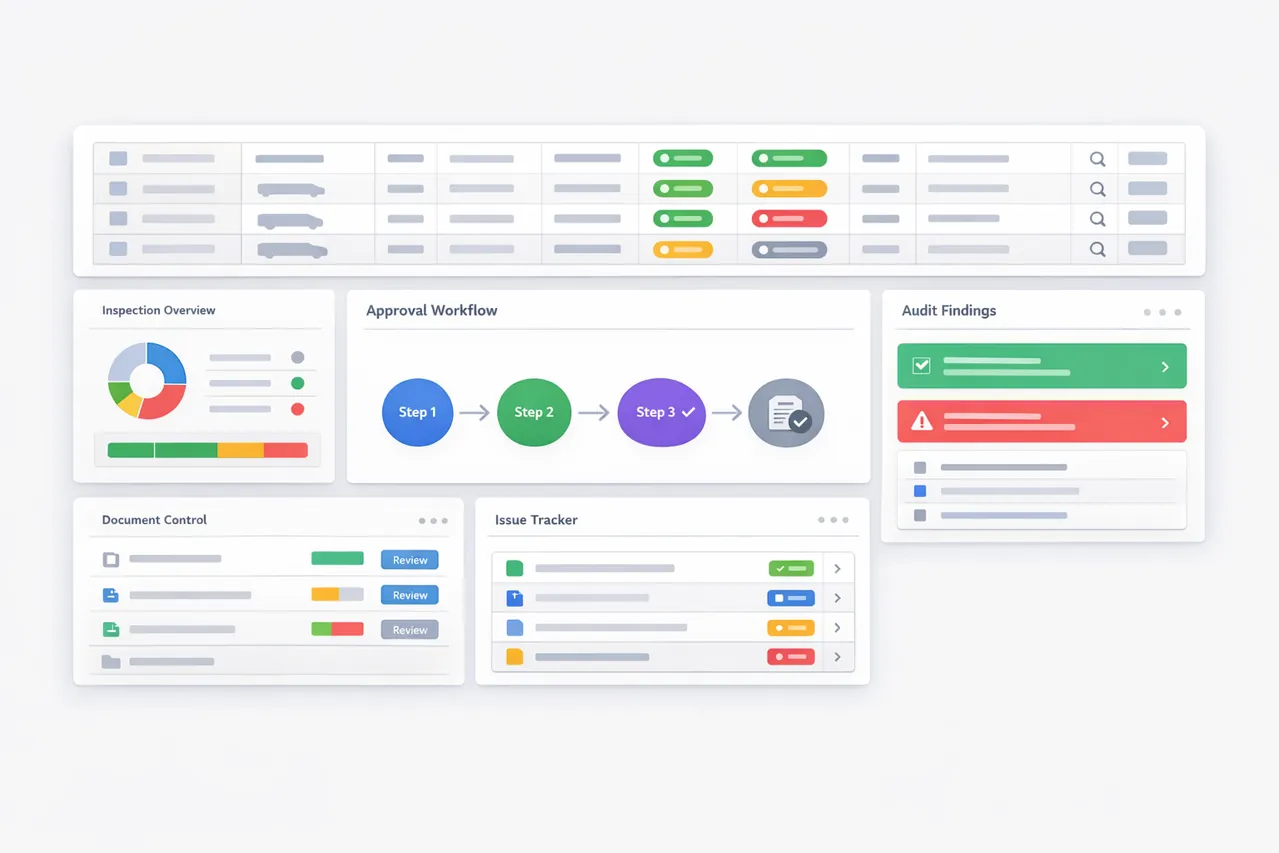
Learn how to generate eCoC XML and review XSD and ICM validation results.
Keep the type approval, type/variant/version, VIN and vehicle values together. Reuse the relevant template instead of rebuilding each certificate.
Review required data and validation results before release. Resolve missing or inconsistent values while the source record is still easy to inspect.
Prepare the electronic signing step, use the agreed manufacturer delivery route and follow the submission record in the Submission Center.
Homologation teams need the certificate to stay aligned with its type approval. Production teams need repeatable records for individual vehicles. IT teams need defined data inputs and outputs. eCoC EU keeps these tasks connected so teams can review the same vehicle record.
For a multistage vehicle, start the review with the previous-stage data and the changes made at your stage. For a trailer program, start with a representative approval and the combinations you actually produce. The pilot should establish the supported vehicle and approval scope before wider use.
Existing DOCX, XLSX or PDF CoC material can support template setup. VECTO XML or PDF mapping is a separately scoped module: the user reviews parsed values before they enter the certificate record.
API data access and full ERP automation have different scopes. Data access supports transfers of generated eCoC or selected output data. An automated ERP-to-eCoC process needs an implementation review covering source fields, ownership, triggers and exception handling.
Start with one representative vehicle: its type approval reference, type/variant/version, vehicle category, VIN and the values used on the current CoC. Identify which values come from the approval, which describe the individual vehicle and who checks each source. Existing DOCX, XLSX or PDF CoC material can support template setup; it does not replace a reviewed vehicle record.
For the first conversation, describe the data format and use an anonymised example. Agree a secure onboarding channel before sharing confidential production records or credentials.
Bring one representative vehicle scenario and ask the team to walk through the record, validation result, generated output and submission status. For example, when a required vehicle value is missing, identify the affected field, check its source, correct the record and review the regenerated output before release.
The first scope review should show the proposed template, record checks, XML output and the next signing or delivery step for your intended route. Leave with a written list of supported vehicle categories, data inputs, operator responsibilities and additional setup needs. A demonstration explains the product; manufacturer onboarding and route-specific testing establish whether the agreed delivery workflow is ready.
| Decision | What your team should check |
|---|---|
| Data preparation | Can you trace each important value to an approval, vehicle record or reviewed import? |
| Validation | Can users locate the affected field and understand the next action before release? |
| Electronic signing | Does the selected trust service and signing profile fit your intended authority route? |
| Submission | Are credentials, authorisation, responses and correction responsibilities defined for your manufacturer? |
| Integration | Does the proposal distinguish API data access from a custom ERP automation project? |
| Commercial scope | Are access, volume, templates, signing services and optional integration work identified? |
It manages the manufacturer-side work behind an electronic Certificate of Conformity: vehicle data, approval context, templates, XML generation, validation, signing coordination and submission records.
No. The manufacturer's registration, credentials, certificate requirements and successful route-specific testing remain separate. The implementation scope must identify these dependencies.
The published access models include monthly, annual and pay-as-you-go options. The proposal should match your vehicle volume, template requirements and supported workflow.
This platform serves vehicle manufacturers and their authorised teams. Vehicle owners seeking an individual replacement certificate should contact the vehicle manufacturer or its authorised representative.
Choose the next step that matches your vehicle program.
Manufacturer access, signed IVI XML and response handling.
A separate UK IVI and manufacturer-account workflow.
Review access models, imports, outputs and optional services.
Define volume, templates, signing and integration scope.
Understand the trust-service step before choosing a signing setup.
Understand the structure and checks behind an eCoC record.