
VECTO Data in eCoC XML: What Manufacturers Should Reuse, Review and Validate
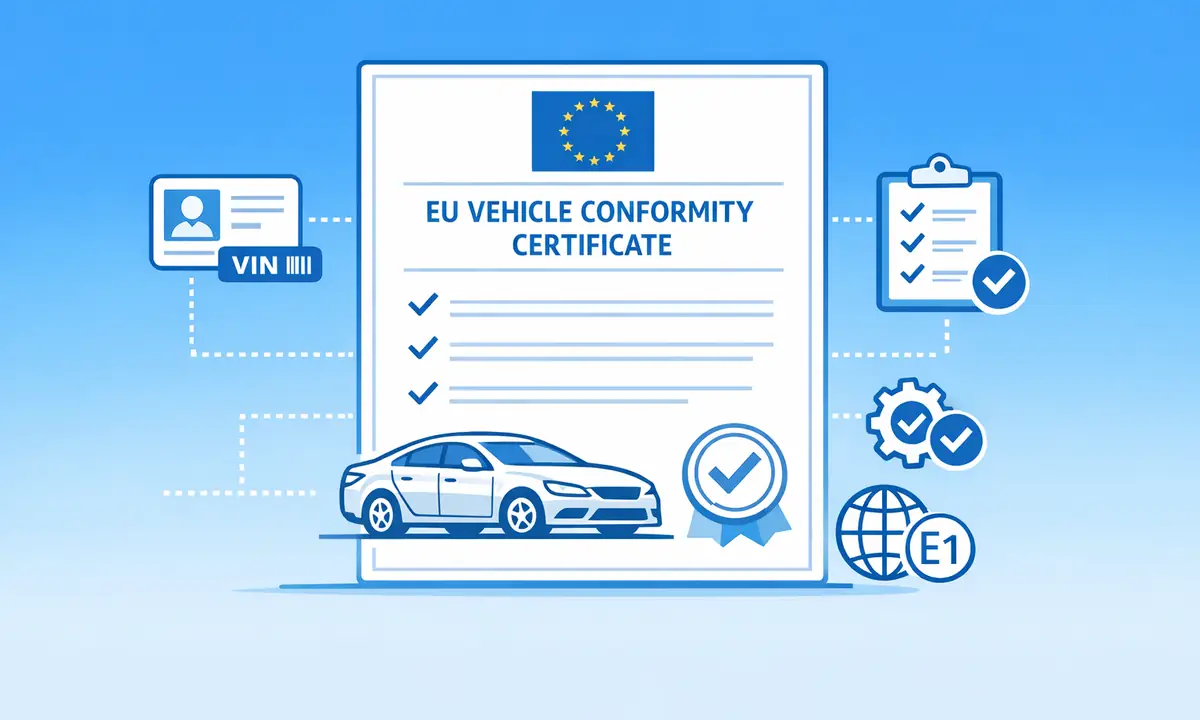
VECTO data is becoming an important operational input for manufacturers that need cleaner electronic Certificate of Conformity workflows. It can help teams prepare selected technical and environmental values for structured eCoC output, especially where vehicle energy consumption and CO2-related information must be handled consistently.
The key point is that VECTO import should not be treated as automatic copy and paste. A VECTO file can support eCoC XML preparation only when the source format, vehicle scope, mapping rules, and review process are controlled. Without that control, a faster import process can simply move incorrect data into a more official-looking output.
What this page covers
- How VECTO data can support eCoC XML preparation
- Why VECTO import needs manufacturer-specific mapping
- What teams should review before signing or submission
- How eCoC EU supports VECTO import readiness inside the platform workflow
What is VECTO in this context?
VECTO stands for Vehicle Energy Consumption calculation Tool. It is used in the European regulatory environment to support the calculation of fuel consumption and CO2 emissions for relevant heavy-duty vehicle configurations. For an eCoC team, the practical value is not the tool name itself. The value is the structured or semi-structured vehicle data that may be reused in downstream conformity workflows.
That does not make VECTO a replacement for type approval data, an eCoC XML file, or manufacturer review. VECTO sits upstream as one possible source of values. The eCoC workflow still needs to decide which values are applicable, how they map into the target data model, and whether the final output is consistent with the approved vehicle record.
Why VECTO matters for eCoC XML preparation
Modern eCoC operations depend on structured vehicle data. Teams need to generate XML, validate it, sign it, and prepare it for the relevant authority route. The more data is retyped manually, the more the workflow depends on local interpretation and avoidable checks after the fact.
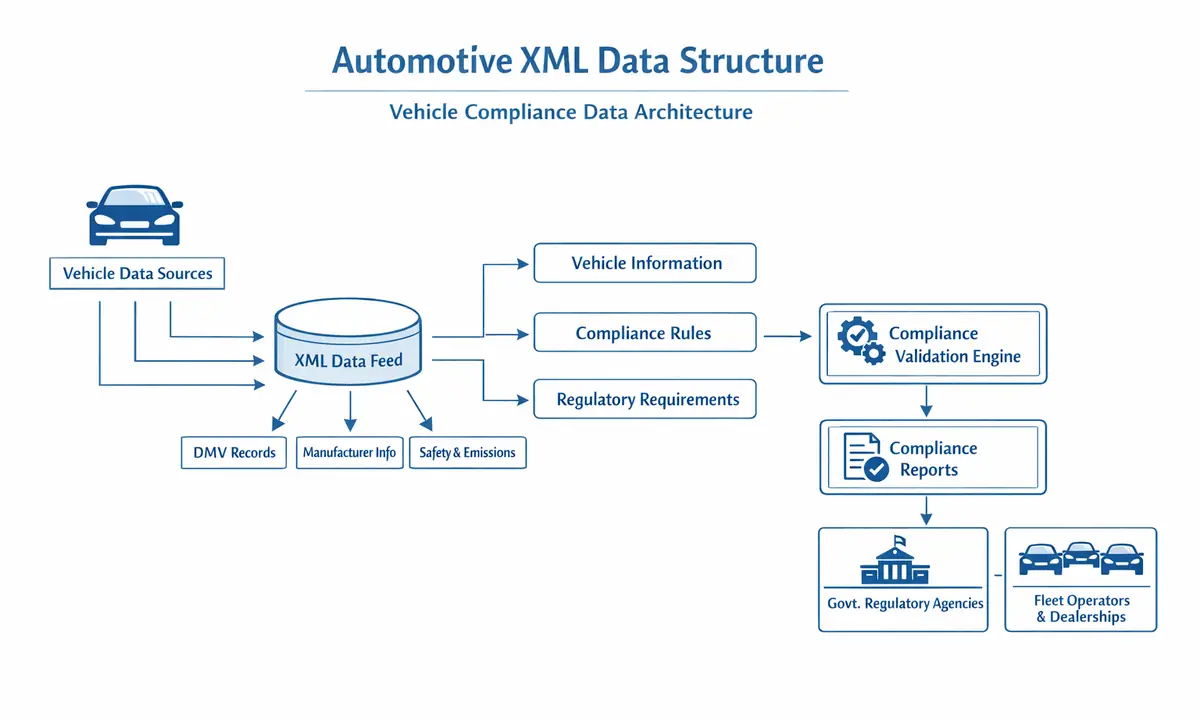
VECTO import can reduce that friction when it is used correctly. It can help transfer approved or reviewed source values into the eCoC creation flow, support more consistent handling of repeated vehicle configurations, and reduce manual work for high-volume or technically complex production runs. For a broader view of the XML layer, read how eCoC XML works.
VECTO import is a mapping problem before it is an automation problem
The mistake many teams make is to start with automation before defining the data relationship. A VECTO PDF or XML output may contain values that look familiar, but that does not mean every value belongs directly in the eCoC output. Field names, units, vehicle variants, approval references, and source versions all matter.
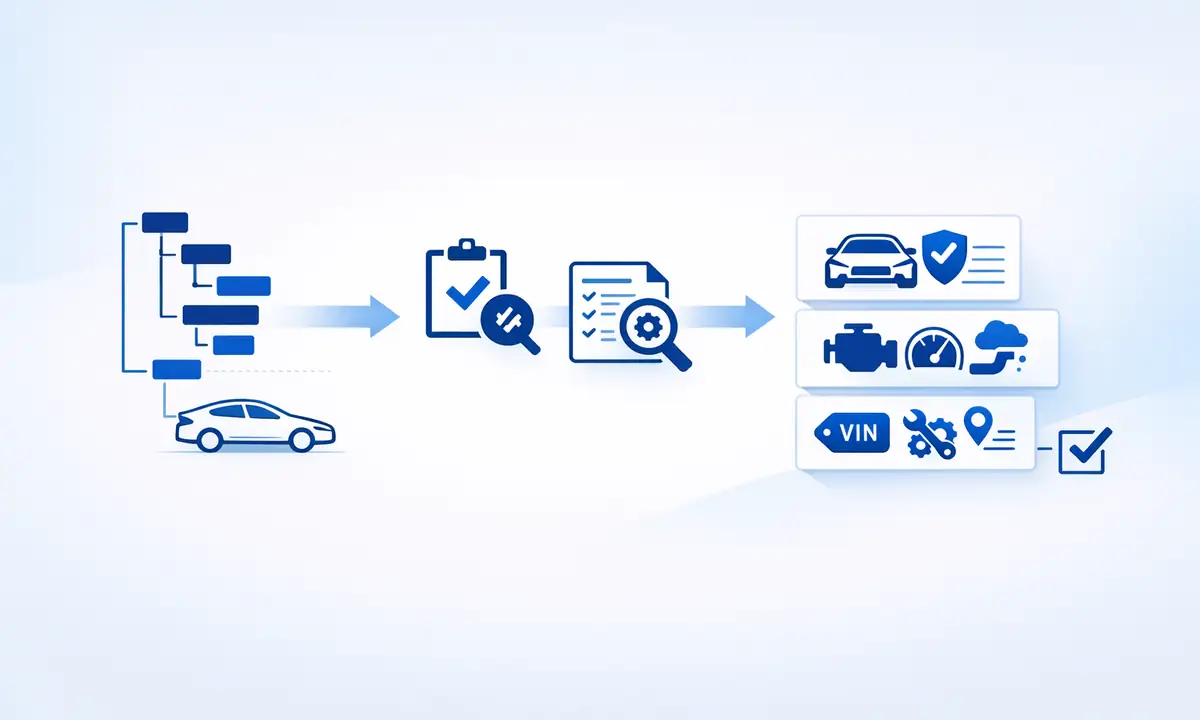
A reliable import workflow starts with a mapping exercise. The manufacturer should identify which VECTO source fields are relevant, where they belong in the eCoC structure, which values require conversion or normalization, and which values must stay under manual review. This is why a generic importer is rarely enough for regulated vehicle data.
PDF and XML VECTO sources need different controls
Some manufacturers work with VECTO outputs in XML or structured files. Others may need to extract values from PDF-based outputs or mixed document packages. These two situations should not be handled in the same way.
XML-style inputs are usually easier to parse consistently, but they still require version control and schema-aware validation. PDF sources can be useful, but extraction rules must be tested carefully because layout changes, labels, tables, and language variants can affect the result. In both cases, extracted values should be shown to the user for review before they become part of the controlled eCoC record.
What manufacturers should validate before using VECTO data
Before VECTO-derived values are used in an eCoC workflow, the team should confirm that the source and target context match. The most important checks are not only technical. They are operational and regulatory checks as well.
- The VECTO file belongs to the correct vehicle, variant, version, or configuration.
- The source file format is supported by the current import mapping.
- Units, rounding, labels, and field meaning are understood before import.
- The extracted data is consistent with the approved vehicle record.
- The final eCoC XML passes validation before signing or delivery.
- Any authority route requirement is reviewed before submission.
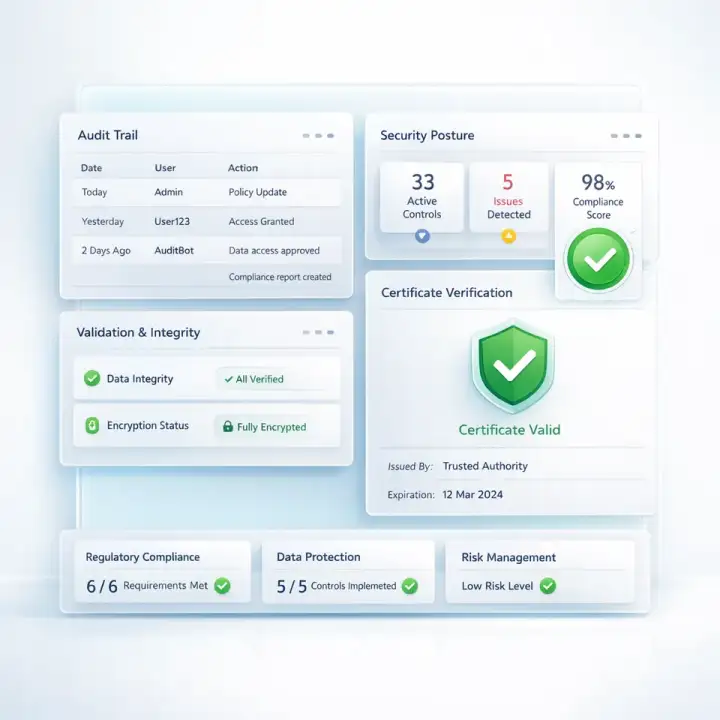
These checks should be part of the same quality model as eCoC validation. Importing data is useful only if the workflow can prove that the imported data is still correct at the point of release.
Common mistakes with VECTO and eCoC workflows
VECTO import becomes risky when the workflow hides too much from the user. A manufacturer should avoid any process that imports values without review, applies one mapping to every vehicle family, or ignores changes in the VECTO source structure.
Other common issues include mixing test data with production data, importing a file that belongs to the wrong approval context, and treating a passed technical parse as if it were regulatory validation. Parsing means the system could read the file. Validation means the values are suitable for the controlled eCoC workflow.
How VECTO connects to signing and authority delivery
VECTO import is only one part of the digital eCoC chain. After data is imported and reviewed, the platform still needs to generate structured output, run validation checks, support signing, and prepare the file for the relevant delivery route. That route may involve EU workflows connected to EUCARIS/NAP systems or UK VCA-oriented eCoC delivery, depending on the manufacturer scope.
This is why VECTO should be integrated into a broader controlled process rather than handled as a separate spreadsheet or document extraction task. If the final file will be signed, the imported values must already be trusted before the signing step begins. For signing context, see qualified electronic seal for eCoC signing.
How eCoC EU supports VECTO import readiness
eCoC EU can support VECTO import readiness as part of a wider manufacturer workflow. The platform approach is designed around controlled records, reviewed extracted values, XML generation, validation, signing, and delivery preparation. VECTO import is therefore treated as part of the compliance process, not as a standalone file converter.
The practical scope can include source sample review, mapping definition, import module setup, user review screens, validation logic, and integration with broader platform capabilities. For manufacturers with ERP or API needs, the VECTO import layer can also be discussed as part of a wider data flow rather than a single upload feature.
Buying checklist for VECTO import in eCoC software
If you are evaluating eCoC software with VECTO import support, ask practical questions before focusing on automation speed. A serious workflow should make the data source, mapping logic, review stage, and final XML validation visible.
- Can the provider review real VECTO samples before confirming scope?
- Does the workflow support manufacturer-specific mapping?
- Are extracted values shown for user review before they affect the eCoC record?
- Can the mapping be updated when VECTO source structures change?
- Does the process connect to XML validation, signing, and authority delivery?
- Is there documentation for the agreed source fields and target fields?
Request a scoped VECTO import review
VECTO import can be valuable when it reduces manual work without reducing control. The safest next step is to review real source files, define the target eCoC fields, and decide whether the import should operate as a standalone module, an annual platform capability, or part of a larger ERP/API workflow.
Request a scoped offer if your team wants VECTO data mapped into an eCoC XML workflow. You can also review the broader technical documentation and platform pages before planning implementation.
Frequently Asked Questions
Can VECTO data be used directly in eCoC XML?
Only after mapping, review, and validation. VECTO data may support selected eCoC fields, but the workflow must confirm that the source file, vehicle context, units, and approval basis match the target eCoC record.
Is VECTO import only useful for XML files?
No. XML-style VECTO sources are usually easier to parse, but PDF-based outputs may also support a controlled import process if extraction rules are tested and reviewed carefully.
Does VECTO import replace eCoC validation?
No. Import helps move data into the workflow. Validation checks whether the resulting eCoC output is complete, consistent, and suitable for signing or delivery.
Can eCoC EU build a manufacturer-specific VECTO import module?
Yes. eCoC EU can review source samples, define mapping rules, and scope a VECTO import module around the manufacturer's files, approval context, and delivery workflow.
Official and technical references
These sources support the regulatory and technical statements in this guide. Always check the current consolidated text and the instructions of the authority responsible for your submission route.